Free
Dominate Invincible VS With These Smart Gameplay Tricks
05/05/2026 - 04:35


Top SimplePlanes 2 Tricks to Improve Your Aircraft Fast

Building better aircraft in SimplePlanes 2 is not just about stacking wings and adding engines-it’s about understanding balance, efficiency, and smart design choices. Whether you’re a beginner or already experimenting with advanced builds, small improvements can make a huge difference in how your aircraft flies.
Below are some of the most effective tricks to help you improve your aircraft quickly, make smoother flights, and enjoy a more realistic and stable flying experience.
One of the most common mistakes players make is adding too much engine power before fixing weight distribution. A powerful aircraft is useless if it constantly tilts or struggles to stay stable.
Try this instead:
A well-balanced aircraft will naturally feel smoother in the air, even with fewer engines.

Wings are not just for lifting your aircraft-they control how stable it feels during flight. Small changes in wing placement can completely change your aircraft’s behavior.
Tips for better wing setup:
A good wing setup reduces the need for constant corrections while flying.
If your aircraft feels too sensitive or jerky, your control surfaces might be too aggressive.
Improve this by:
This creates a more realistic flying experience and prevents sudden instability during turns.
Many players build the entire aircraft before testing it, only to realize major problems later. A smarter approach is to test frequently during the building process.
What to do:
This saves time and helps you understand how each part affects flight behavior.
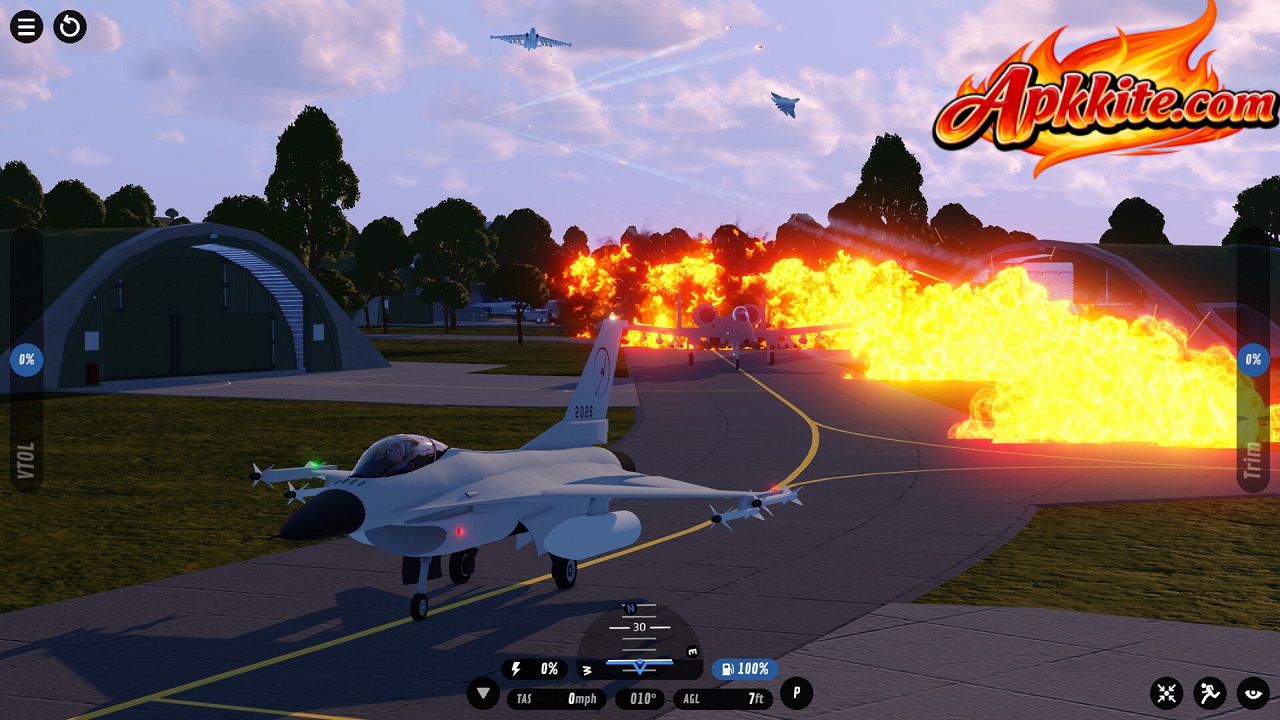
Too many unnecessary parts can slow your aircraft down and make it harder to control. Clean design is often more effective than complex design.
Try to:
A clean aircraft not only flies better but also looks more professional.
More engine power does not always mean better performance. In fact, too much power can make your aircraft harder to control.
Better approach:
Balanced thrust helps maintain smoother acceleration and landing.
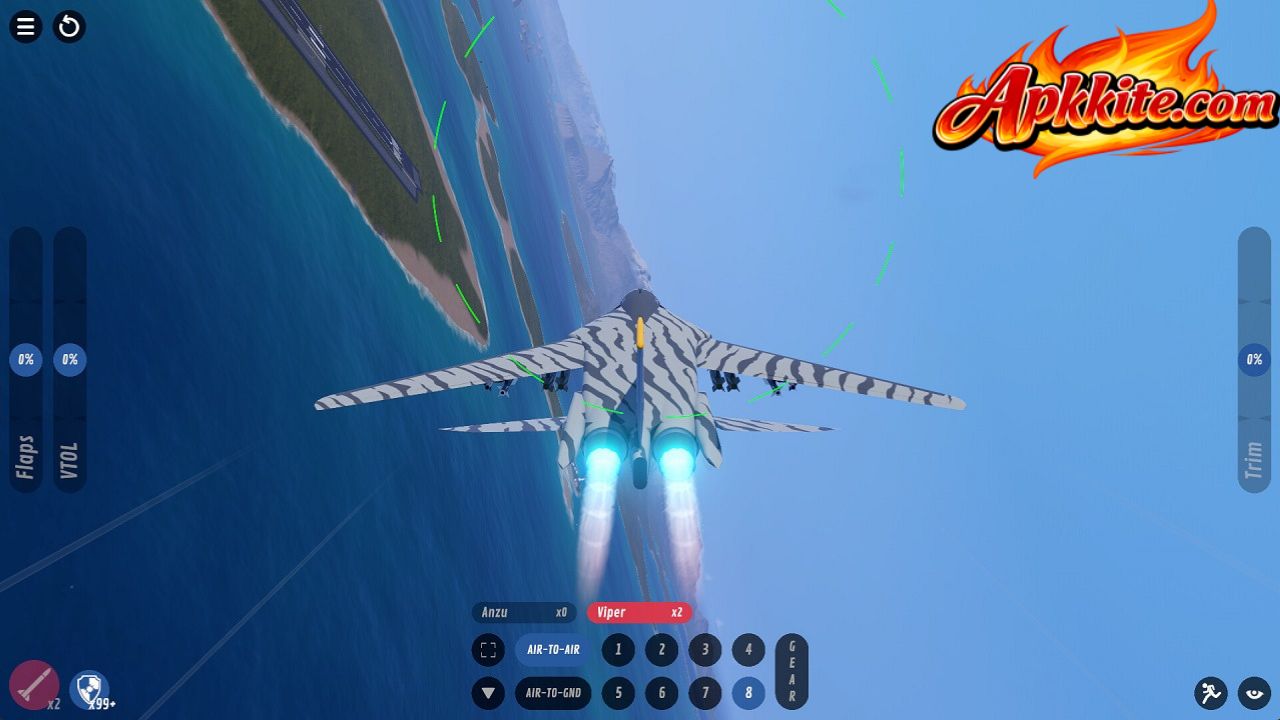
Landing is one of the most challenging parts of flying. Poor landing gear placement can cause bouncing, flipping, or crashes.
Improve landing stability by:
A stable landing setup makes your aircraft feel much more professional and controlled.
Even a well-built aircraft may need small adjustments during flight. Trim settings help you fine-tune balance without rebuilding anything.
Use trim to:
Mastering trim will make your aircraft feel much more natural in the air.
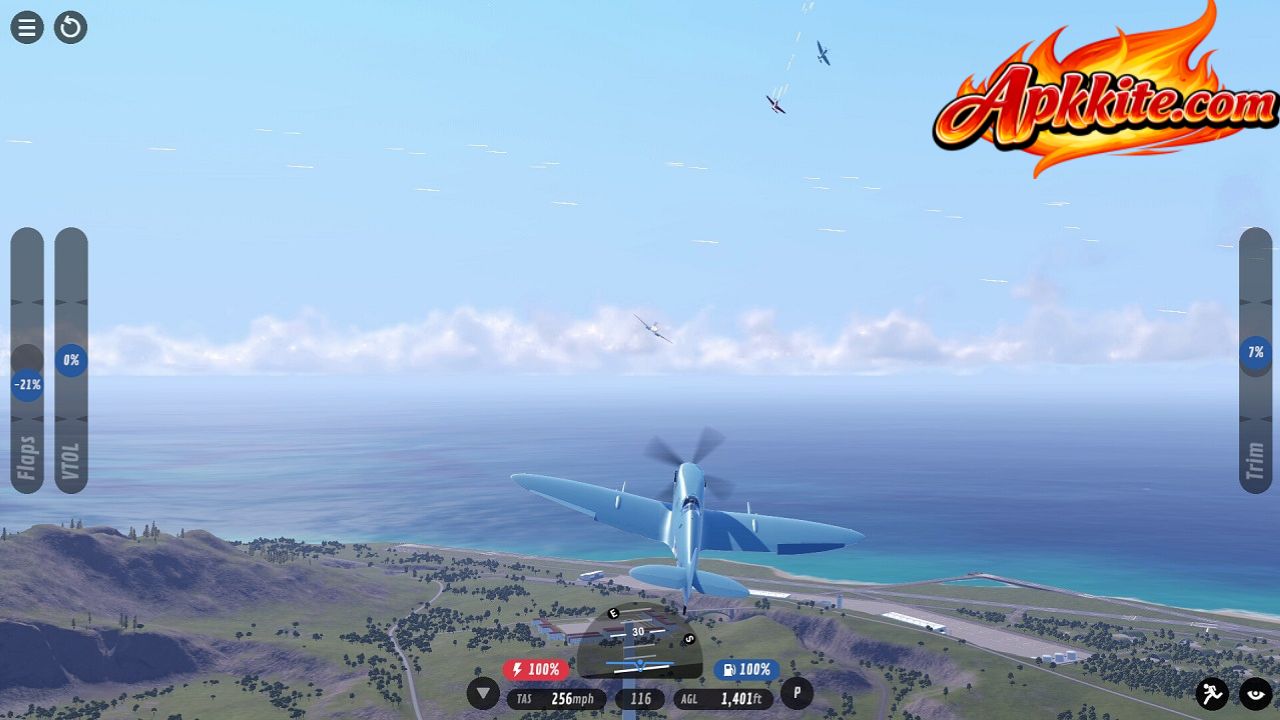
Improving your aircraft in SimplePlanes 2 is all about patience, testing, and small smart adjustments. Instead of focusing on making something big or powerful, focus on balance, stability, and control.
Once you understand how weight, wings, and thrust work together, your aircraft designs will improve dramatically-and your flights will feel smoother, more realistic, and far more enjoyable.
Keep experimenting, keep testing, and most importantly, enjoy the process of building your perfect aircraft.

Dominate Invincible VS With These Smart Gameplay Tricks

Stop Losing in BidKing – Try These Smart Tricks

The Sims 4 Tricks Every Player Should Know in 2026

S&Box Beginner Guide: Start Smart and Build Faster

SCUM Survival Guide: Pro Tips to Stay Alive Longer


